MT5 trading window Ctrl + T (stop loss, liquidation, profit management)

GoldStudy
Rate this note
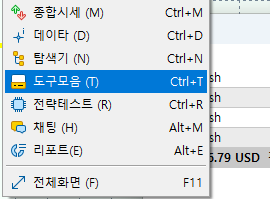
The way to view the MT5 trading window is Ctrl + T.
When you press Ctrl + T, the trading window will appear.
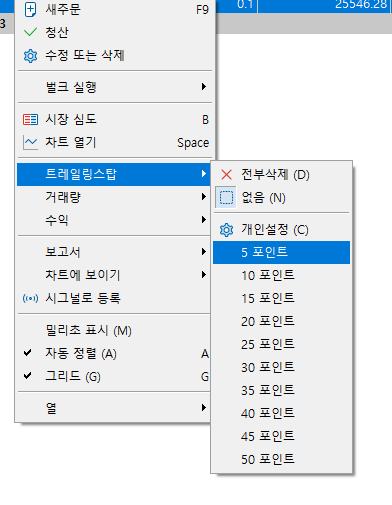
You can view the trading status in the transaction window.
Press X to liquidate.
If this was useful, please leave a rating
Share
Link copied
Written by
GoldStudy · developer & trader, 17 years
I start every morning with the main news and ask “why?” before “how much?”. I only list brokers where I opened an account and traded myself first. If a condition changed or something is wrong, tell me and I’ll fix it.
Brokers mentioned in this article
★ GoldStudy partner link Sign up through this link to get GoldStudy support


